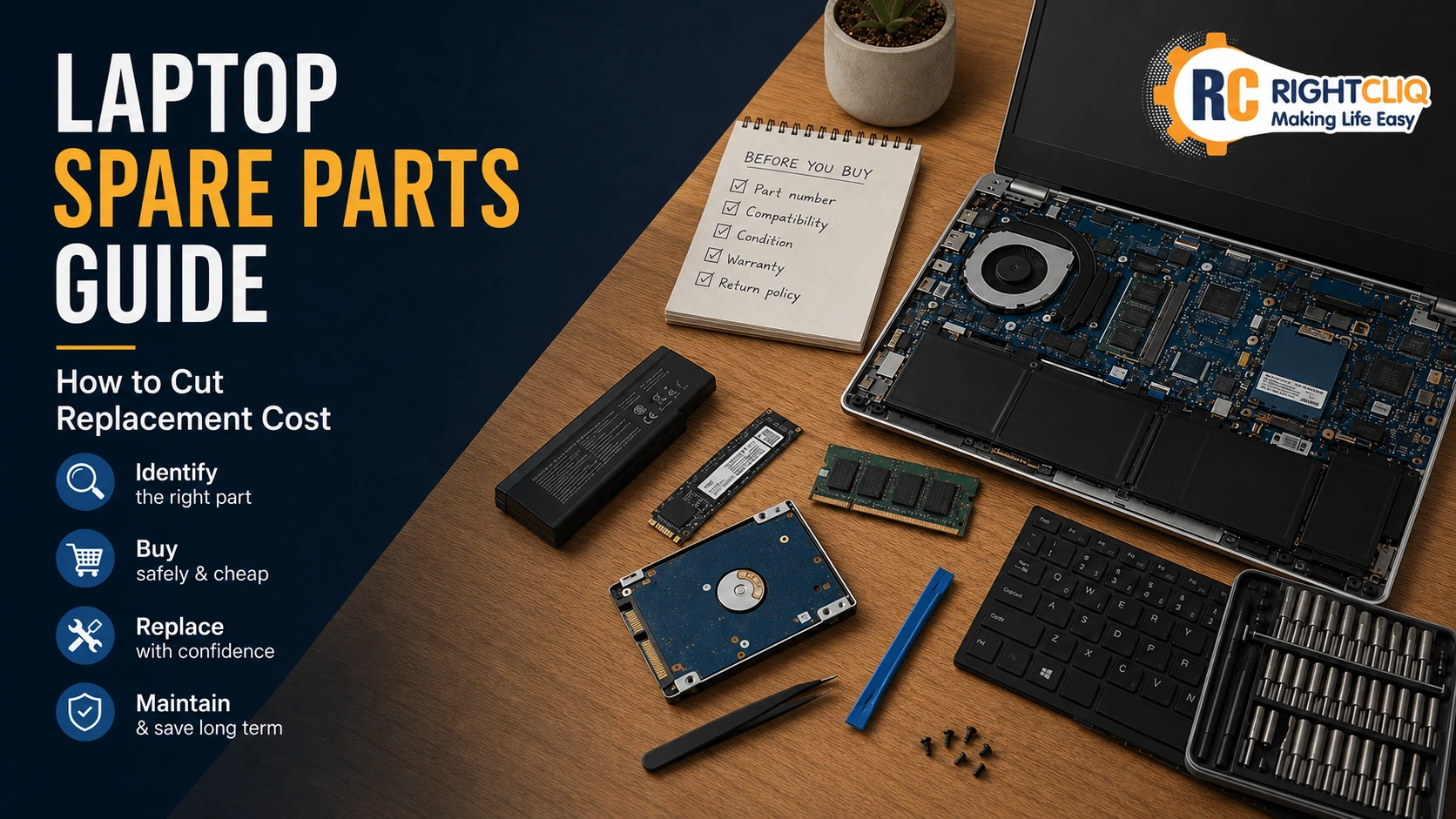
Laptop Spare Parts Guide: How to Cut Replacement Cost

How to Choose the Right Laptop Spare Parts and Reduce Replacement Costs
Buying laptop spare parts can seem a real pain when all those prices, listings and compatibility details just look the same. A decent laptop spare parts guide can really help with that. If your laptop battery is on its last legs, your screen has gone on the blink or a keyboard key has given up the ghost, then having the right info can save you cash and cut down on returns.
This guide explains some practical ways to compare listings, verify just what you need, and cut down replacement costs without making your repair job harder than it needs to be.
Getting to Grips with Laptop Spare Parts in India
In India, you can get laptop spares through big online stores that have a massive range of parts for loads of different laptop brands like HP, Acer, Dell, Samsung, Lenovo, Sony and Toshiba. But it's not just about the brand name, you need to know the exact model number and have some printed details from the old part.
Third-party parts can be just as good as OEM ones for repairs when the listing clearly states the model, connector type, size, condition and all the rest. It's a lot more important than just guessing from how it looks. When you are trying to find the best laptop spare parts price or replace laptop parts, start with knowing the part is definitely compatible, rather than just going for the cheapest one. The next sections break down the most common parts that people tend to replace first.
Some of the Spare Parts You Might Need for Your Laptop
Laptop spare parts generally fall into two main categories: actual hardware components that keep the thing running and external bits that wear out with use. Here are some of the most common laptop parts that people need to replace:
Power and Battery
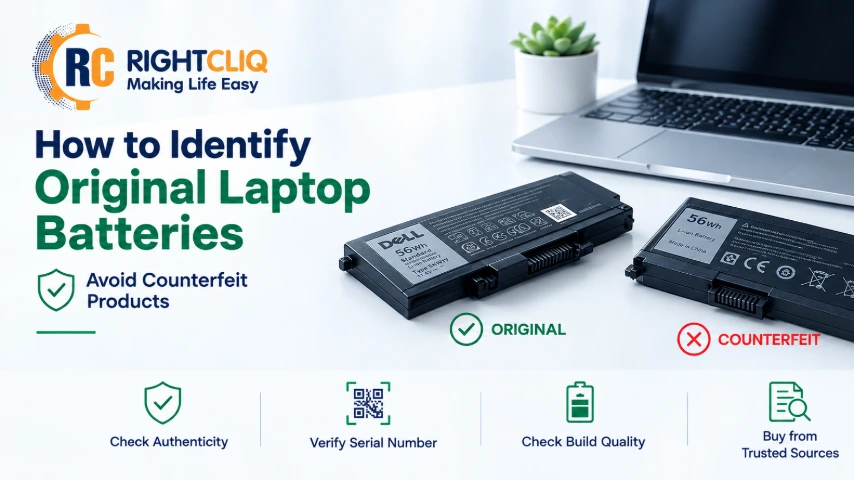
Battery: It loses capacity over time
Power Adapter: The cable tends to fray or break
DC Jack: The charging port starts to wear out
Display and Input
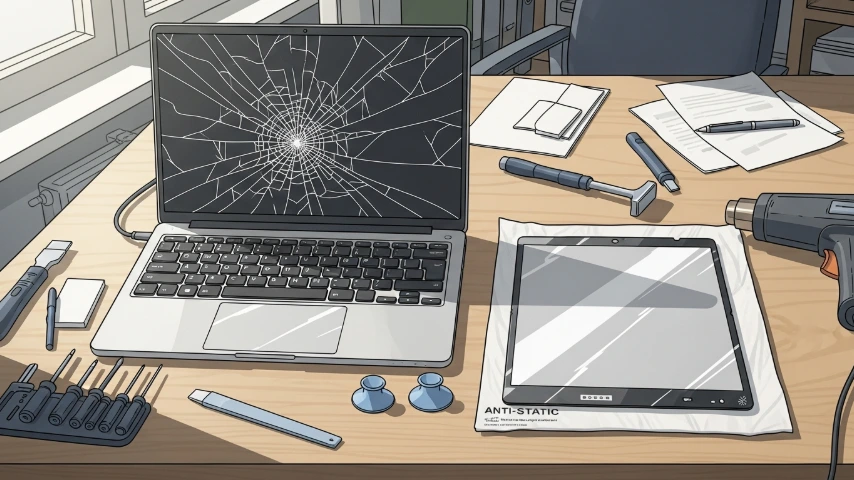
Screen: It cracks when you drop it. Keyboard: The keys start to fail after a spill. Display Cable: It starts to wear out from the lid being opened and closed. Touchpad: It stops responding after a while. For a solution, browse our current catalogue of laptop accessories.
Storage and Memory
SSD/HDD: You might need to upgrade or replace it
RAM: Adding more RAM can give your laptop a speed boost
Cooling and Structure
Cooling Fan: It fails, causing the laptop to get too hot
Thermal Paste: It dries out
Hinges and Casing: They crack or start to come loose
How Spare Parts Can Make or Break Laptop Performance
When it comes to laptop performance, the parts you use, including a quality graphics card, really do make all the difference - using quality stuff will give you a definite boost, especially when you upgrade things like SSD or RAM - that can give you a whole lot faster processing speed and multitasking abilities.
On the flipside, low quality or old parts can be the nail in the coffin for your laptop - a dodgy old battery that hasn't undergone rigorous testing can start to make the thing slow right down, and a failing cooling fan can cause it to overheat causing your processor to crawl along at a glacial pace.
Using good, proper parts is what keeps your laptop running like a top, keeps the system stable and actually makes the thing last a whole lot longer.
Finding Genuine Laptop Spare Parts Online in India
If you are wondering where to buy laptop spare parts in India online, try looking on marketplaces that let you search by laptop model, part number or even SKU. And if you are in a pickle and can't find the right part for your apple laptop or some other brand, it's a good idea to look for a parts guide that gives you all the finer details, so you are not left scratching your head when you come to checkout and it's all unclear.
This approach is especially useful when you are after a genuine or compatible part for an out of warranty laptop; it's a whole lot easier to make a judgment call when the product page has all the important details on, including practical tools for the repair process.
Where to Buy Laptop Components Online in India
A good online retailer will do three key things for you, help you track down the exact part number or model you need, show you all the specs and details of the part, and make sure you are buying professional equipment that is actually compatible with your laptop.
That's especially useful if you are buying a charger or sourcing parts in bulk.
Some online stores also have connections with local sellers in places like Nehru Place in Delhi, NCR, Noida and other parts of India - and they may carry a range of laptop accessories, desktop parts, repair kits and other workshop gear.
Feature | What to look for |
Search method | Listed model, connector, size, condition, price, and current availability |
Listing detail | Listed model, connector, size, condition, and price |
Support | Phone, WhatsApp, email, or website chat options |
Catalog depth | Batteries, keyboards, screen panels, dc jacks, fans, tools |
Business options | Retail orders, bulk orders, and trade enquiries |
How to Find Compatible Spare Parts for Your Laptop Model
Start with the specific type name that is listed on the laptop itself or in pamphlets and documents associated with your laptop; this will ensure you get compatible spare parts, including essential components like laptop speakers. Now, look on the old component for a part number, SKU (stock keeping unit), connector detail or serial number. Next, these identifiers do a better job at precision than simply using the brand keyword to search.
Most ordering mistakes are made because the purchaser selects a similarly looking part that has a different connector or size. By providing support with your laptop model and details of any older component, including flux paste, the service can see exactly what they have to offer you before you pay, this is how to use those identifiers more efficiently.
Using Model Numbers and Serial Codes
One of the quickest ways to match a part is by picking up every identifier in view, especially when dealing with inch paper! Your specific model does narrow things down some, but the model by itself might not be sufficient. The code printed on the old part usually provides the best hint. Before searching, note these details:
- exact laptop model
- from the model number on the laptop body.
- serial number if requested by the seller
- old component part or SKU
- connector or size specifics if showing
When you have those, compare them against the listing line-by-line. The second video consists of orders created by a customer who wants to offer coffee, and ask for clarification if any information is missing before creating an order.
Checking Compatibility with Manufacturer Guidelines
Manufacturer guidelines help you to find the correct part like batteries, keyboards, or replacement screens. Always compare the Element details with your component. If exact laptop spare parts are out of stock, opt for suitable second hand replacements very carefully. Check the condition and details on this product page.
If you are in doubt, get in touch with laptop repair services or seller support for assistance. Send clear photos and labels from your old part so you can be 100% certain the unit price for the two will match. This quick step will then eliminate any bad purchases from service centers.
Comparing Authorized Service Centers vs. Online Retailers
The best option between authorized service centers and online retailers depends on your wallet, deadline, and experience level. Although authorized service centers may appear easier, online retailers are more comprehensive on laptop parts, accessories, and out-of-warranty repair categories.
Online laptop parts retailers can be great in that regard, so you can compare listings before checking out which can help with lowering the price on replacement parts. Nevertheless, it is equally important to gauge the support quality and return terms along with warranty details. Our other view on the trade-offs more clearly.
Pros and Cons of Both Buying Options
There are pros and cons to each buying option. Service choices can be familiar at authorized centers, or you have more control on your selection via online stores. It depends on which you prefer: the convenience of fewer choices, the wider choice of having more or the lower regular price.

Assessing Warranty and After-Sales Support
A low price isn't worth it if the seller provides poor service after the sale. Before purchasing a laptop spare parts or accessories, always check the warranty and the terms and conditions. If the information is unclear, consult customer support. With the installation of components or repairs, good assistance is a must. Great sellers make the policies on condition, compatibility and returning information very clear.
Quick contact methods such as phone, WhatsApp, e-mail, and chat are highly reliable. Reliable repair work initially begins with clear communication to ensure that there are no misunderstandings starting from the beginning.
The Top Laptop Spare Parts to Replace
The most commonly swapped out laptop parts tend to be batteries, chargers, keyboards, and screens, all as a result of wear, being accidentally damaged, or issues with power. If you take a look through a catalog, you will see all sorts of other stuff like screen assemblies, repair accessories, and connectors, and also power and display components because when these go wrong, it's usually pretty obvious.
Replacing Laptop Batteries, Chargers & Screens
If your laptop battery is draining way too quickly you probably need to get a new one. Same goes for the charger, if it only works in weird positions or has a loose connection. Be sure to double check the model number, dc jack and power specs before buying that new part, it can save you a lot of time and money. Even experts use power supplies to test out charging issues, and getting it right the first time will save you a bundle whether its a new battery, screen or keyboard.
Screens, Keyboards and Internal Components - What's Involved
When your laptop screen is playing up you often notice right away, you might see things like cracks, dead spots, flickering, or nothing at all even though you can turn it on. Sometimes the issue is with the display cable, so make sure you check all the connections.
If you need to replace any of these parts, you'll be looking at the following:
- screen panels, and full screen kit
- screen bezels and LCD top covers
- laptop keyboards, and the keyboard unit
- internal speakers, internal cameras
- display cables and daughter boards
If your keyboard's not working or your screen starts flickering, make sure you take a good look at the old part and the one you're about to buy. They might look pretty similar across different models, but the connectors or frames can be different.
DIY Laptop Repairs vs Going Pro
Now, while it's true that you can do a lot of simple laptop repairs at home if the part's easily accessible and you have the right tools for laptop repair work, there are times when you just need to bite the bullet and get some professional help. People often replace keyboards, chargers, batteries or covers after double checking the model and connector details are right. But for more complicated jobs, like board-level work, thermal solutions, or connector repairs, you really do need the proper tools and expertise. And then there are the repairs that just are not worth taking a risk on, here is where to get some help.
When is it Best to Get an Expert in
Some repairs just require more than a bit of patience and a screwdriver. Things like soldering, heat management, or dealing with hidden connectors are jobs that are best left to pros. They have got the right tools for the job, like rework stations and thermal solutions that most of us just don't have lying around.
You should seek out professional help whenever you're dealing with:
- motherboards or ic components
- laptop fans and heatsink issues
- dc jacks or charging port damage
- internal faults that require rework stations
If you're not 100% sure on disassembly, or connector tabs, or identifying parts, then getting a professional to sort it out could actually end up costing you less in the long run than trying to fix the mistakes or replacing damaged components.
A simple decision framework: Repair, Replace parts, or Replace the laptop?
The decision of repair versus replacement really is all about the maths. Compare the overall value of your device to the total repair costs. A healthy machine that has a new battery, RAM or SSD is a great value. But if there are problems with the motherboard or the hinge, it can result in ongoing costs. If you're looking for affordable laptop repair, ensure that you have the exact part number and pictures of the parts you need when purchasing laptop spare parts to prevent purchasing the wrong parts. Then, you should examine the OEM and aftermarket options, and choose to repair or install yourself or hire a professional mechanic. Lastly, dust the inside of the laptop to avoid damage in the future and make your laptop last longer.