MacBook vs Windows Laptop: Which One Is Right for You?

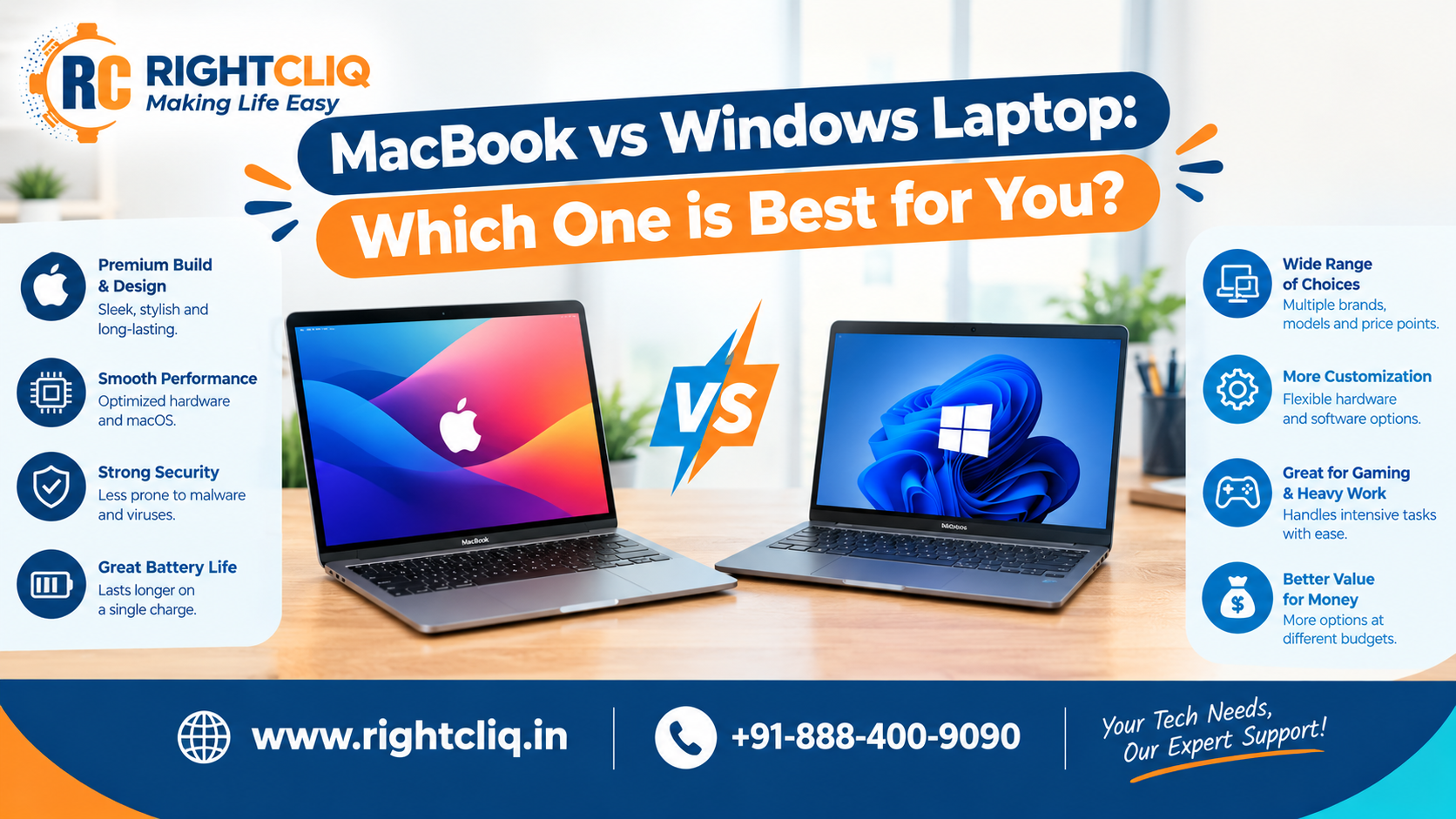
MacBook vs Windows Laptop: Which One Is Right for You?
The best laptop isn’t the one with the best specs on paper. It’s the one that fits how you work, what you spend, and the devices you already own.
MacBooks suit people who want a polished, quiet machine with long battery life and smooth integration with an iPhone or iPad. Windows laptops offer far more variety in designs, prices, ports, and hardware, and they remain the standard for gaming and many business tools.
This guide walks through the differences that matter so you can choose with confidence.
The Core Difference
A MacBook is Apple hardware running macOS, all designed and controlled by one company. That means a consistent, premium experience, but fewer choices.
A Windows laptop is made by dozens of brands, including Dell, HP, Lenovo, ASUS, and Microsoft, all running Windows 11. That means more variety and more freedom, but quality and battery life vary widely from model to model.
MacBook vs Windows Laptop at a Glance
| MacBook | Windows Laptop | |
|---|---|---|
| Design | Aluminum build, small lineup | Huge range, including 2-in-1s and gaming rigs |
| Display | Bright Retina screens, no touchscreen | Touchscreen, stylus, and high-refresh OLED options |
| Processor | Apple Silicon (M-series) | Intel Core Ultra, AMD Ryzen, Snapdragon |
| Graphics | Integrated Apple GPU | Integrated or dedicated NVIDIA/AMD graphics |
| Battery life | Up to 18+ hours of video playback on current models; less in mixed use | Varies widely by model |
| Noise and heat | Very quiet; MacBook Air has no fan | Fans spin up under heavy load |
| Upgradability | RAM and storage fixed at purchase | Many models allow RAM and SSD upgrades |
| Gaming | Limited library | Best choice, with Steam, Xbox, and Epic |
| Price range | Mid to premium | Budget to premium |
| Resale value | Strong | Generally lower |
Performance and Battery Life
Apple’s M-series chips deliver strong performance while using little power, which is why MacBooks stay cool and last so long on a charge. The MacBook Air is completely silent, which is great for libraries, meetings, and travel.
Windows laptops cover a much wider range. Thin-and-light models can have excellent battery life, while powerful gaming and workstation laptops trade battery and noise for raw performance. If battery life matters to you, check independent reviews rather than relying only on manufacturer claims.
Software and Ecosystem
MacBook: If you own an iPhone or iPad, a MacBook feels like part of the same system. AirDrop, shared clipboard, iMessage, and FaceTime work without setup. macOS is also well regarded for video editing, music production, and design. The main drawback is a smaller selection of mainstream games.
Windows: Windows offers the broadest software compatibility, including enterprise tools, many engineering and CAD programs, and decades of older software. It’s also the default platform for PC gaming. Android users can link their phone through Microsoft’s Phone Link app.
Many creative professionals use both platforms, so check that the specific apps you rely on run well on the system you’re considering.
Security
macOS has strong built-in protections, and Macs are targeted by less malware than Windows PCs. That said, Macs are not immune. Windows laptops include Microsoft Defender, which is solid for most users when kept updated. On either system, safe habits matter more than the logo: keep software updated, use strong passwords, and avoid suspicious downloads.
Lifespan, Value, and Repairs
MacBooks tend to hold their resale value well and often stay usable for many years thanks to long software support. Windows laptops depreciate faster, but they’re available at nearly every price point, so you can often get more hardware for less money.
Repairs are worth considering before you buy. MacBook repairs can be costly, particularly outside warranty, because components are tightly integrated. Windows laptops vary: many business and mid-range models are easier and cheaper to service. Whichever you choose, check warranty terms and make sure a trusted repair service is available near you.
Who Should Buy a MacBook?
- iPhone and iPad users who want everything to work together
- Students and remote workers who value battery life, portability, and a quiet machine
- Creatives working in video, music, photography, or design
- Anyone who wants a low-maintenance laptop that stays smooth for years
Who Should Buy a Windows Laptop?
- Gamers, who get the widest game support and the most powerful graphics options
- Business users whose company relies on Windows-only software and IT support
- Engineering and CAD users who need specific professional applications
- Budget-conscious buyers, who can find capable laptops at lower prices
- People who want flexibility, such as touchscreens, 2-in-1s, or upgradeable parts
How to Choose
- List the software you need and confirm it runs on your chosen system.
- Set a realistic budget. Don’t buy the cheapest option if it means too little RAM or storage.
- Check the details that affect daily use: RAM, storage, screen brightness, ports, keyboard comfort, and real-world battery reviews.
- Consider your other devices. An iPhone points toward a Mac, while heavy gaming points toward Windows.
- Look into warranty and repair options before you buy.
The Bottom Line
Choose a MacBook if you want a refined, efficient laptop that works seamlessly with other Apple devices and holds its value. Choose a Windows laptop if you want more choice, lower prices, gaming power, or compatibility with specialized software.
Start with what you’ll actually do with the laptop each week. Once that’s clear, compare a few specific models before you buy.